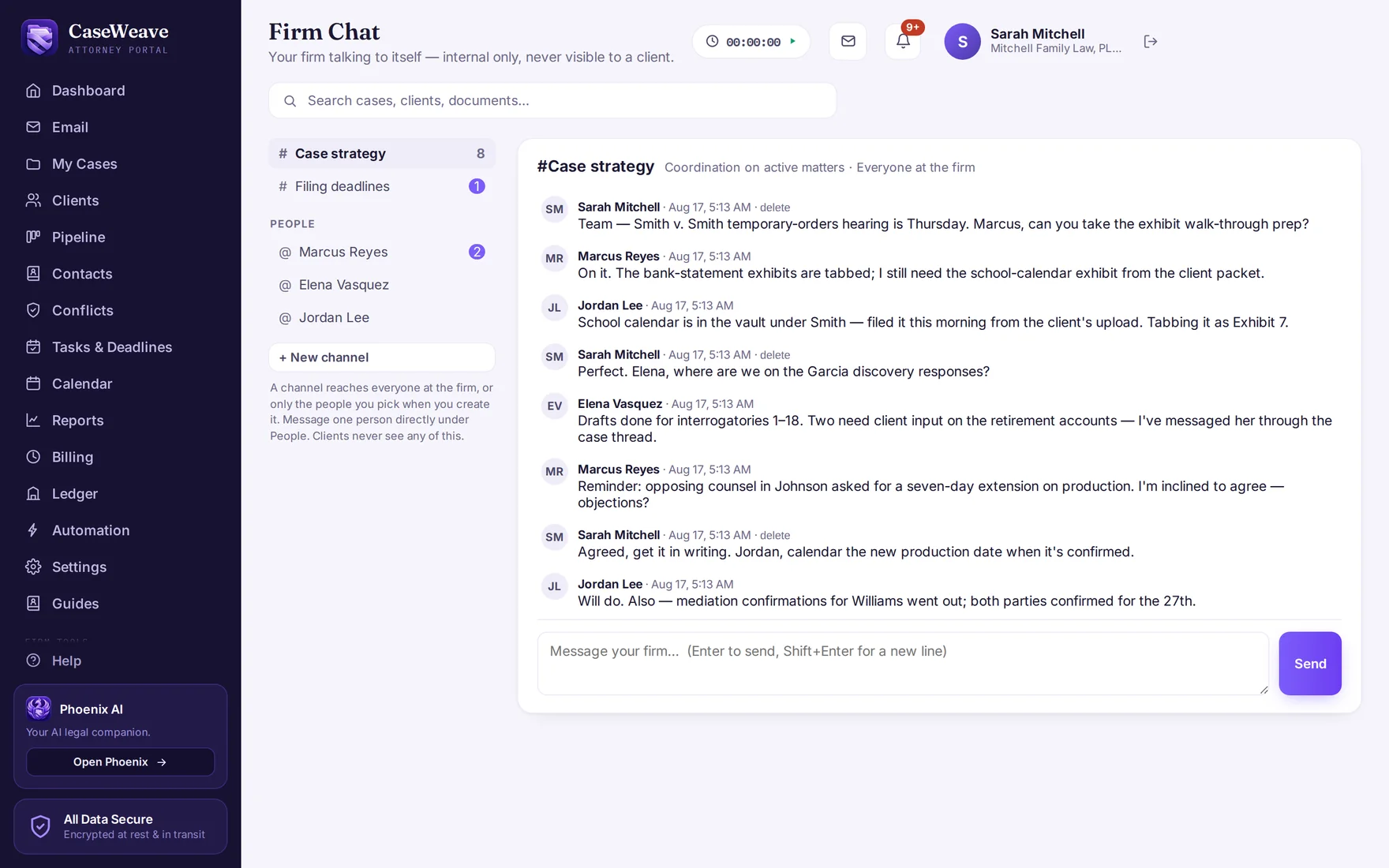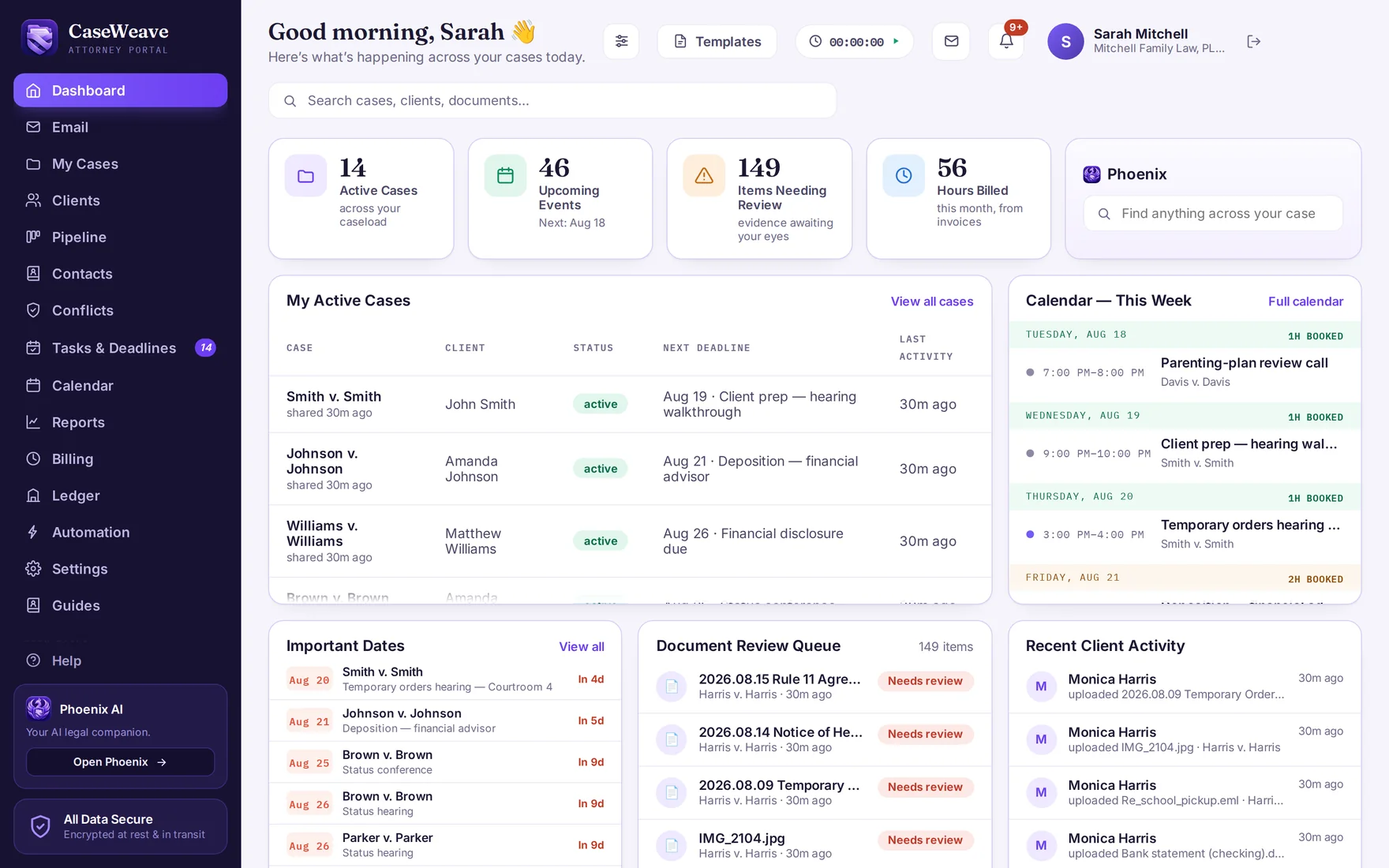
Your firm at a glance
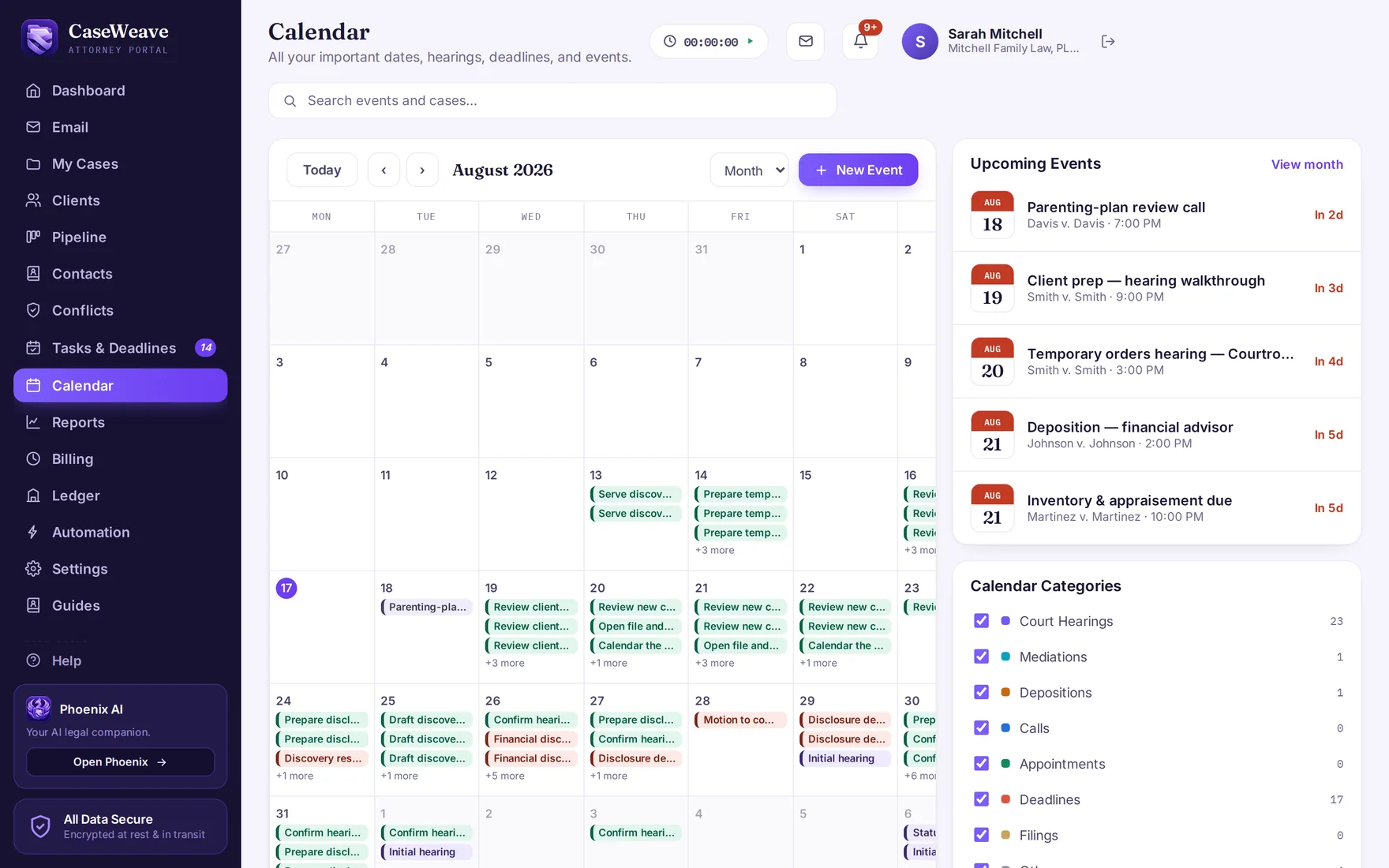
See active matters, upcoming events, items awaiting review and billed hours in your firm dashboard.
Divorce case management for attorneys and clients
Give clients a clear way to capture what matters. Give your legal team an organized record and the tools to put it to work.
One price per attorney. Your team and clients included.
The CaseWeave difference
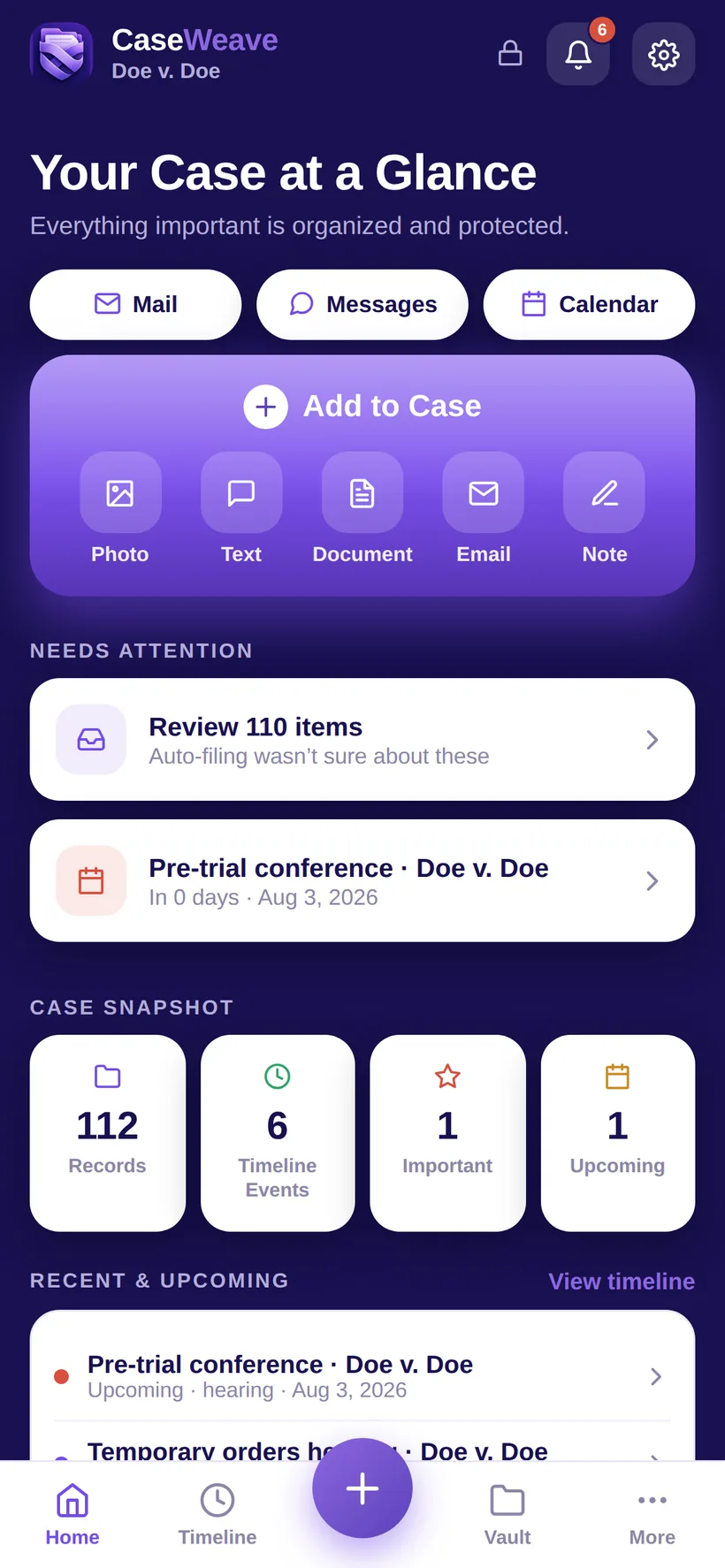
The case doesn't begin at your desk. It takes shape in your client's documents, messages and daily life. Give that information a clear path into the work.
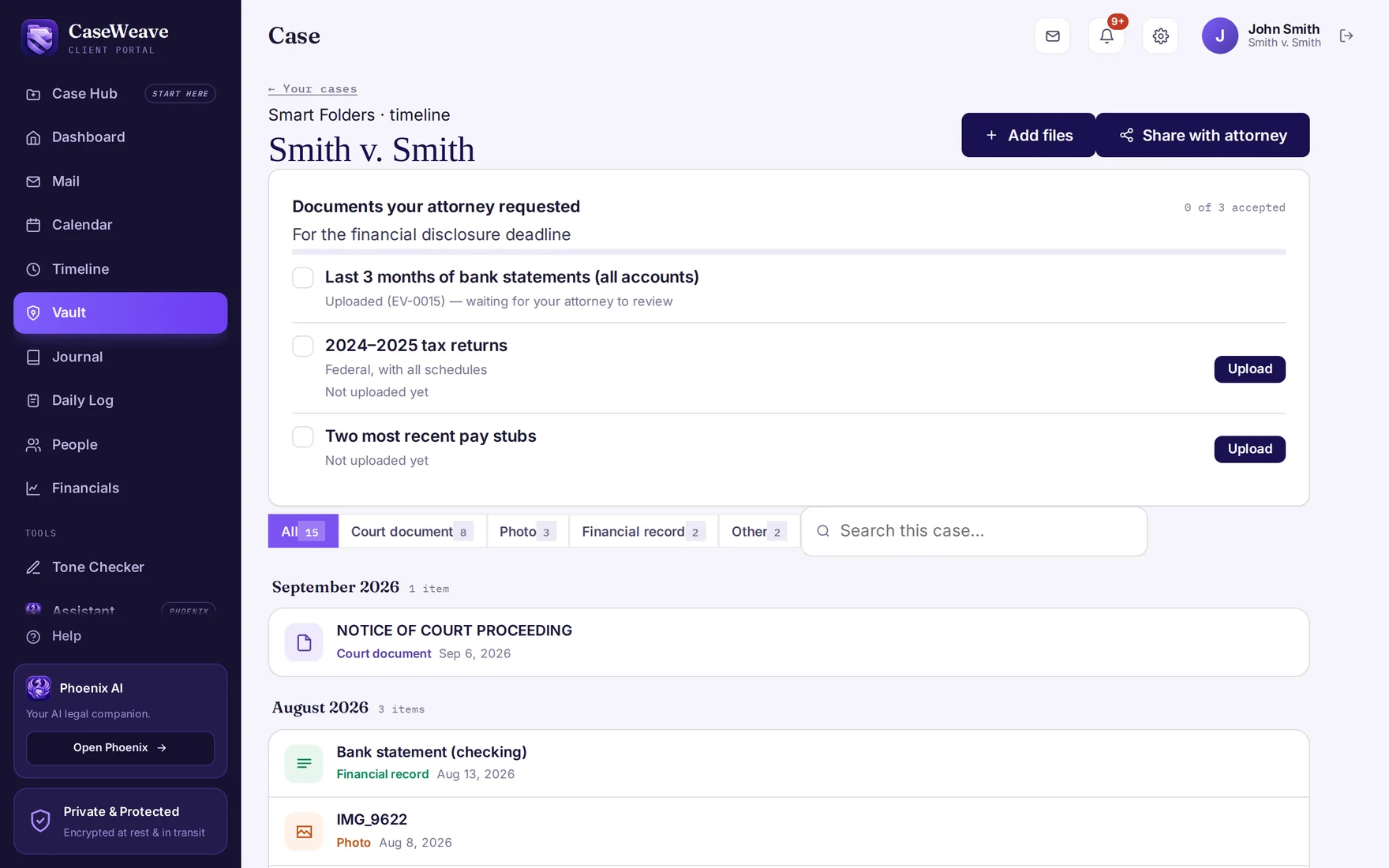
Capture documents and photographs, keep a dated journal, log important events and respond to requests. A phone app and web portal give clients practical tools to participate in their case.
Explore the client experienceReview what arrives, find it in the case record and work from the same organized information. Requests, deadlines, communication and case preparation stay connected.
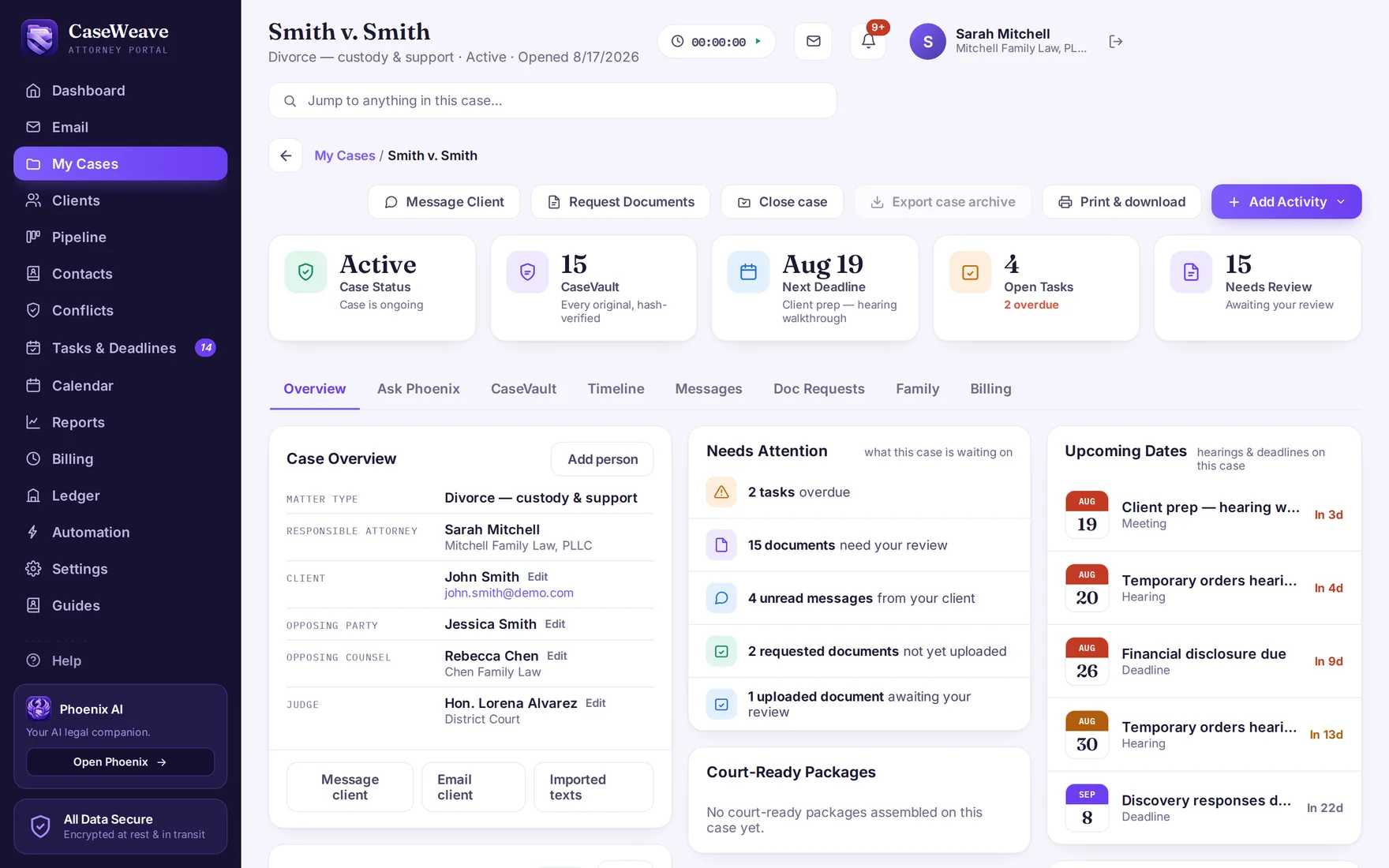
See the attorney workspace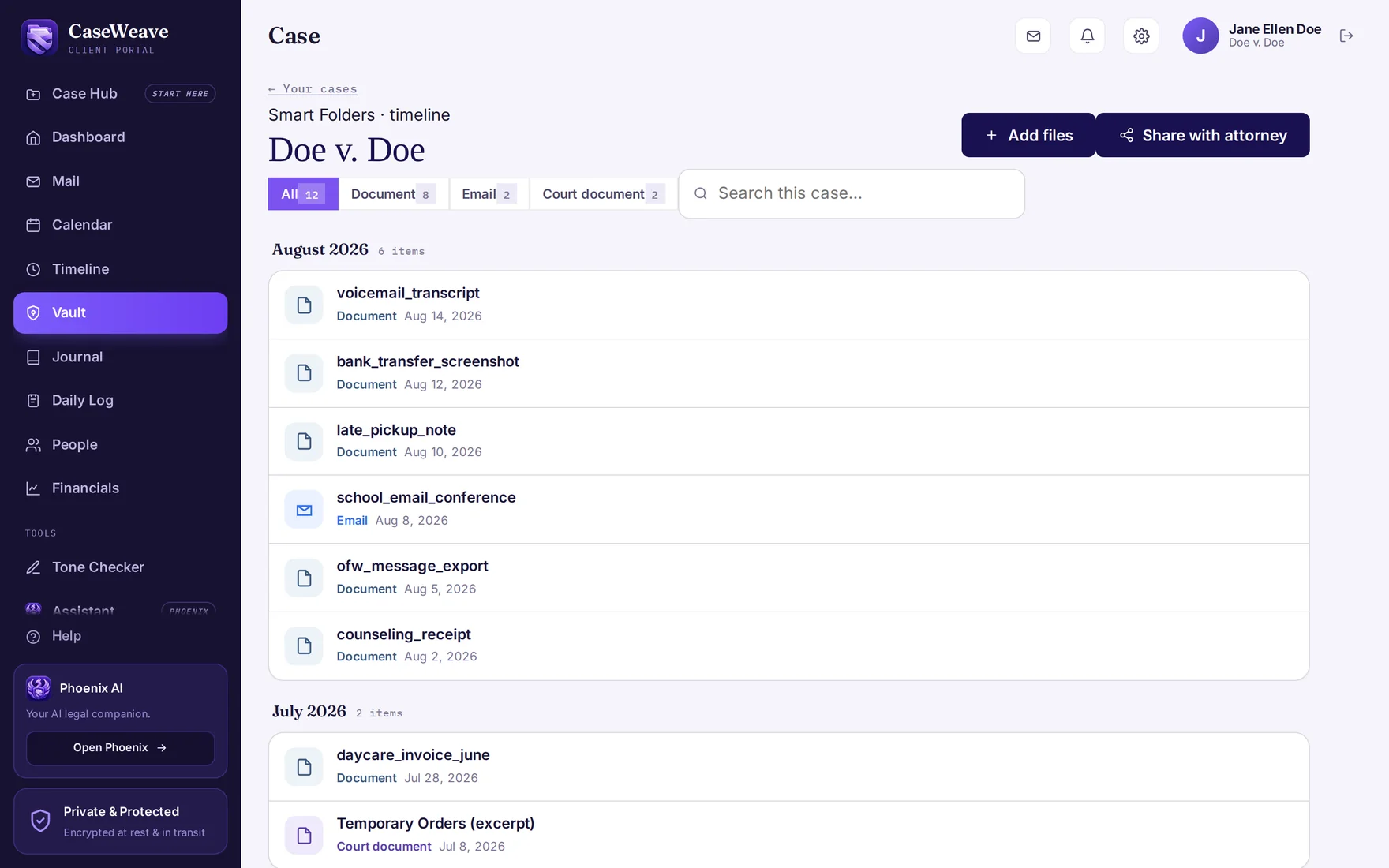
Built for your practice
Family-law fields, document requests and case stages are built in. Your firm can shape the workflow around how you practice.
CaseVault reads and classifies incoming files, identifies dates and preserves the original. Your team reviews the details instead of starting with an unsorted pile.
Explore CaseVaultSend a checklist of the documents you need. Clients upload against each item, and your team can see what is received, accepted or still outstanding.
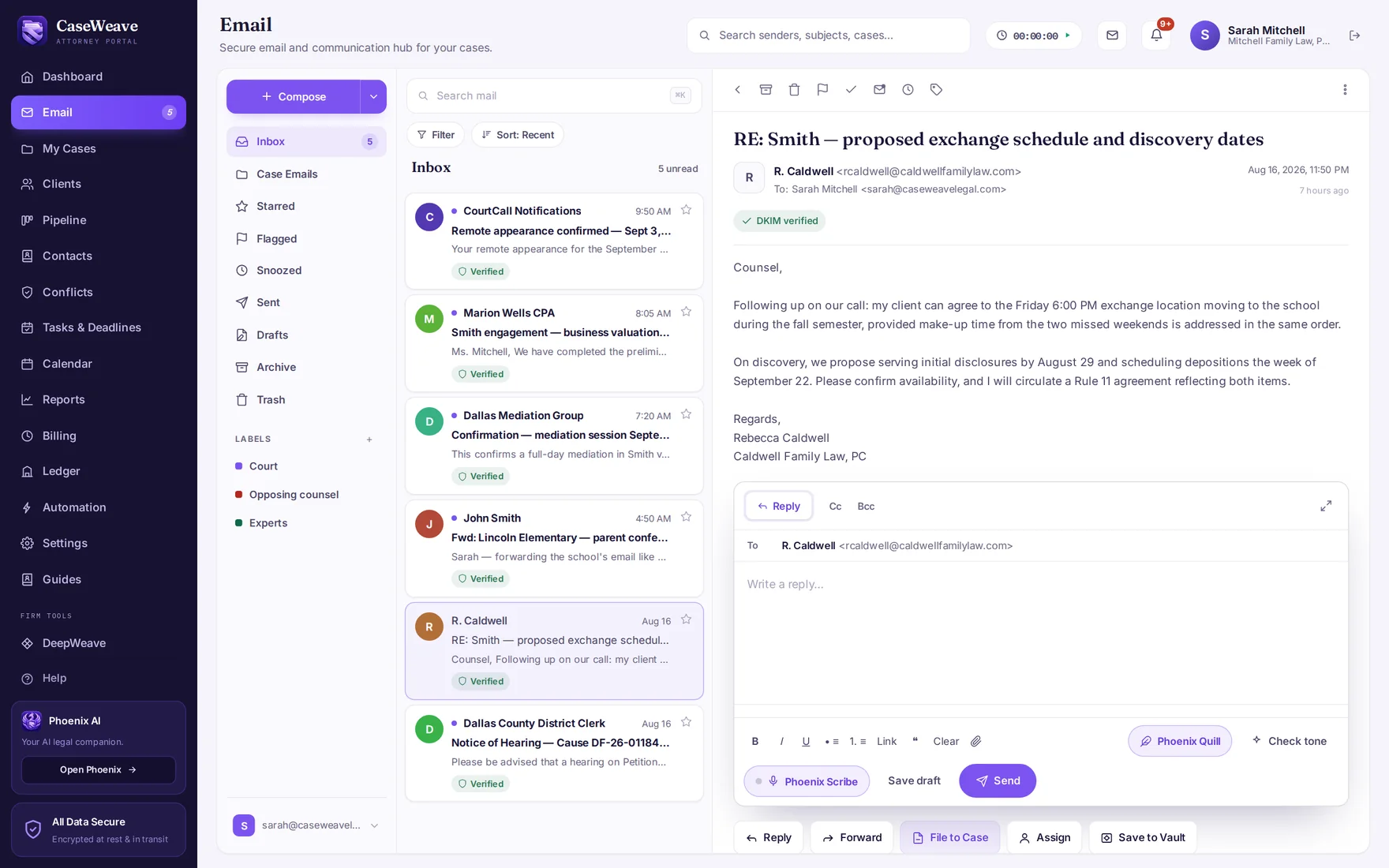
See requests and communicationDraft with case data, review changes, collect signatures and assemble Bates-stamped exhibit sets. Keep the work beside the material it relies on.
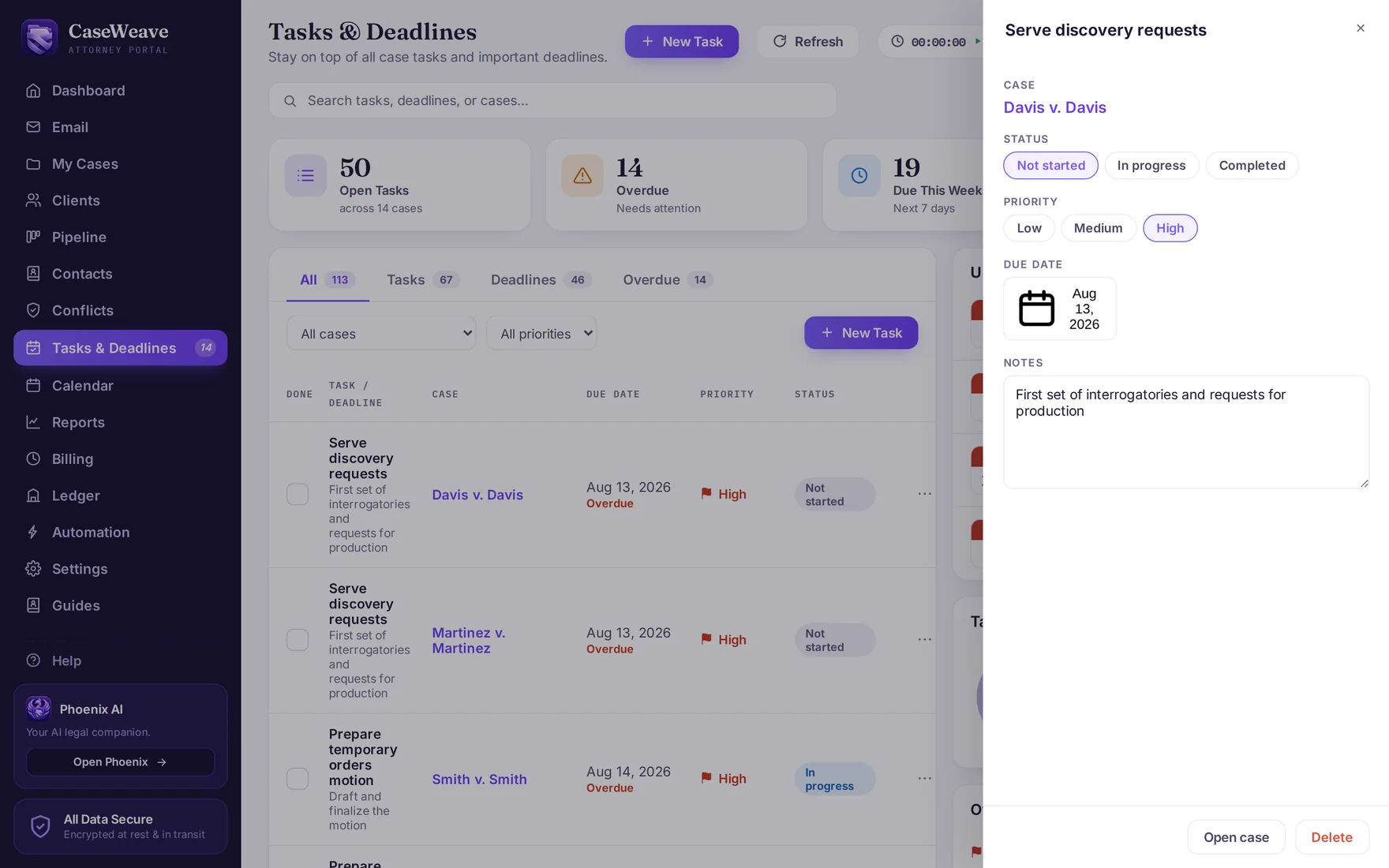
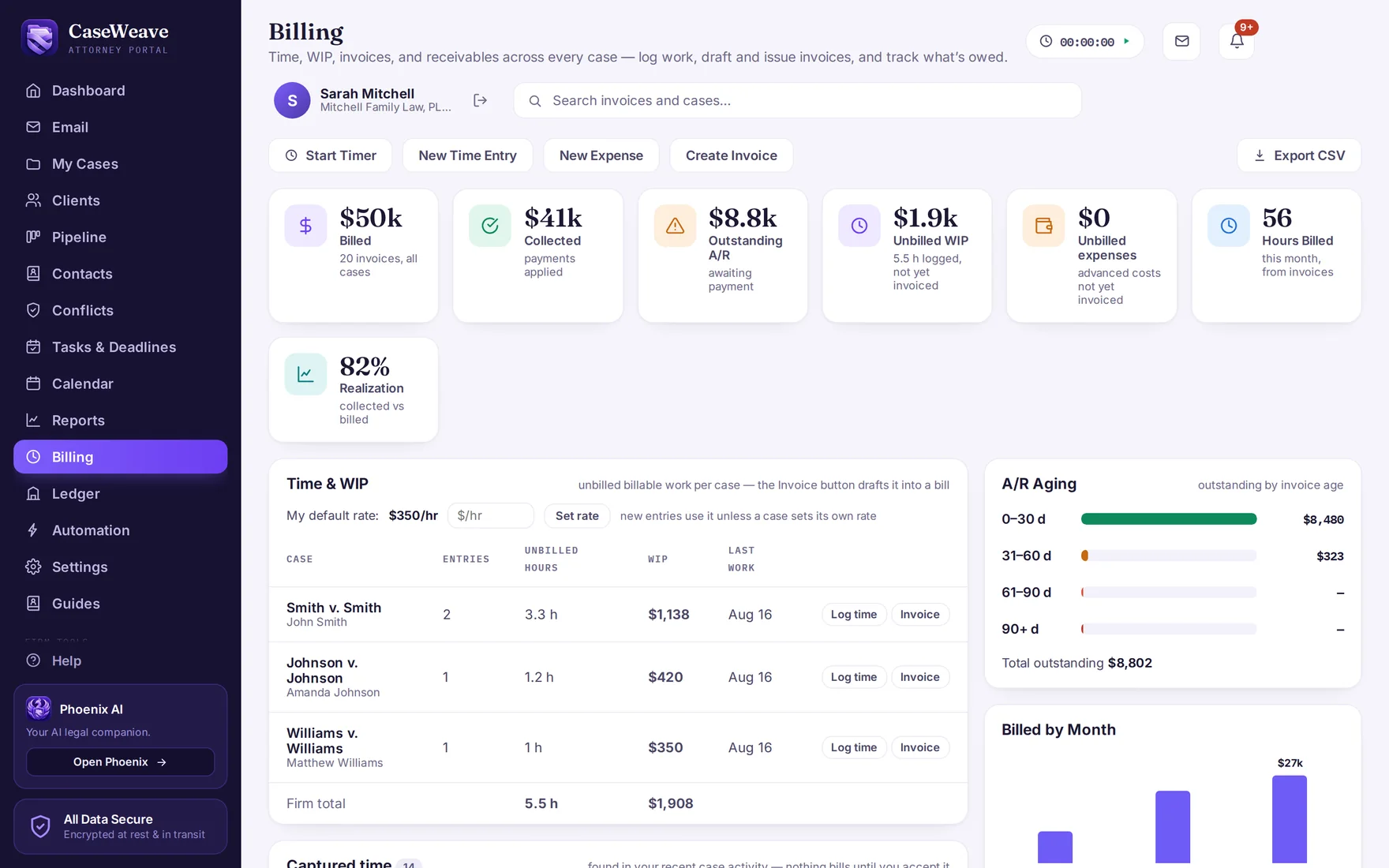
Explore document toolsTrack tasks and deadlines, capture time, review invoices and reconcile trust ledgers. The business of the firm belongs alongside the case work.
See billing and trustPhoenix and DeepWeave
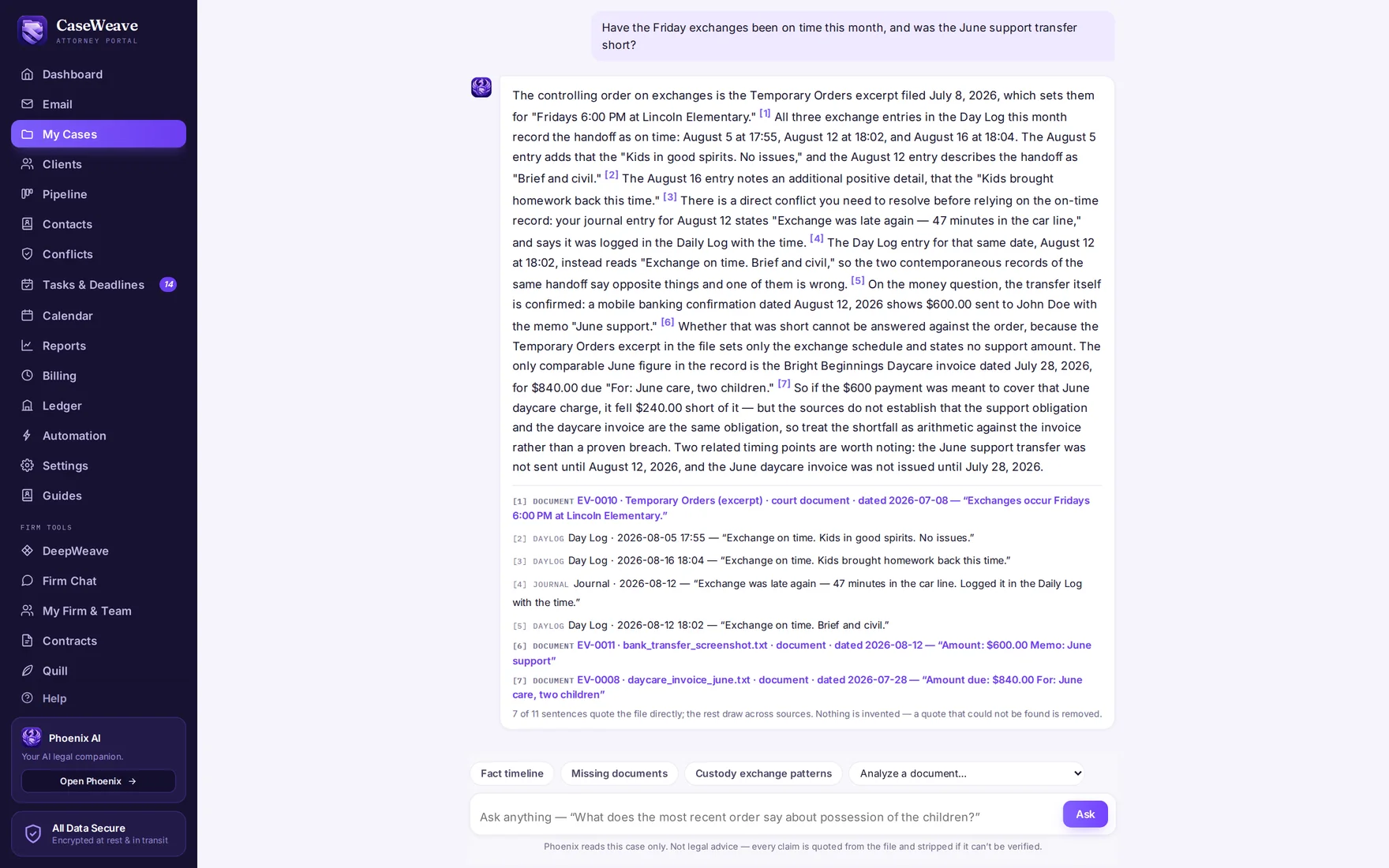
Your case record should help you answer questions, not leave you searching through folders.
Ask Phoenix about the file and follow its source references back to the supporting material. Review a filing, build a chronology or identify missing documents with the record in reach.
When a question needs deeper research, DeepWeave produces a written report with citation-checking results. Your team reviews the authorities and decides what to use.
A record you can check
Original files are preserved separately from summaries and working copies. File fingerprints help verify integrity, and an audit history records activity on the case.
Per-case encryption and role-based access protect the workspace. The security page explains the model so your team can evaluate it.
Read the security modelA supported transition
We work with your firm on configuration, migration and training. Bring your existing process; we'll help you map it to CaseWeave.
One platform. One price.
Your paralegals and support staff get access at no additional charge. Your clients' app and web portal are included, too.
The firm tools, client tools and intelligence capabilities belong together. So does the price.
Built from a client's experience of a case scattered across emails and screenshots.
Why CaseWeave existsTake a closer look
Real product screens using a demonstration case. Browse at your own pace.